The AVS Journal
How to Review Your Completed Zillow Tour
Review a completed Zillow tour as a first-time visitor: open the shared link, follow the room connections and inspect visible details before publishing it. Check both the property information and the viewing experience, then send AVS one consolidated list of specific observations.
Check identification and coverage first
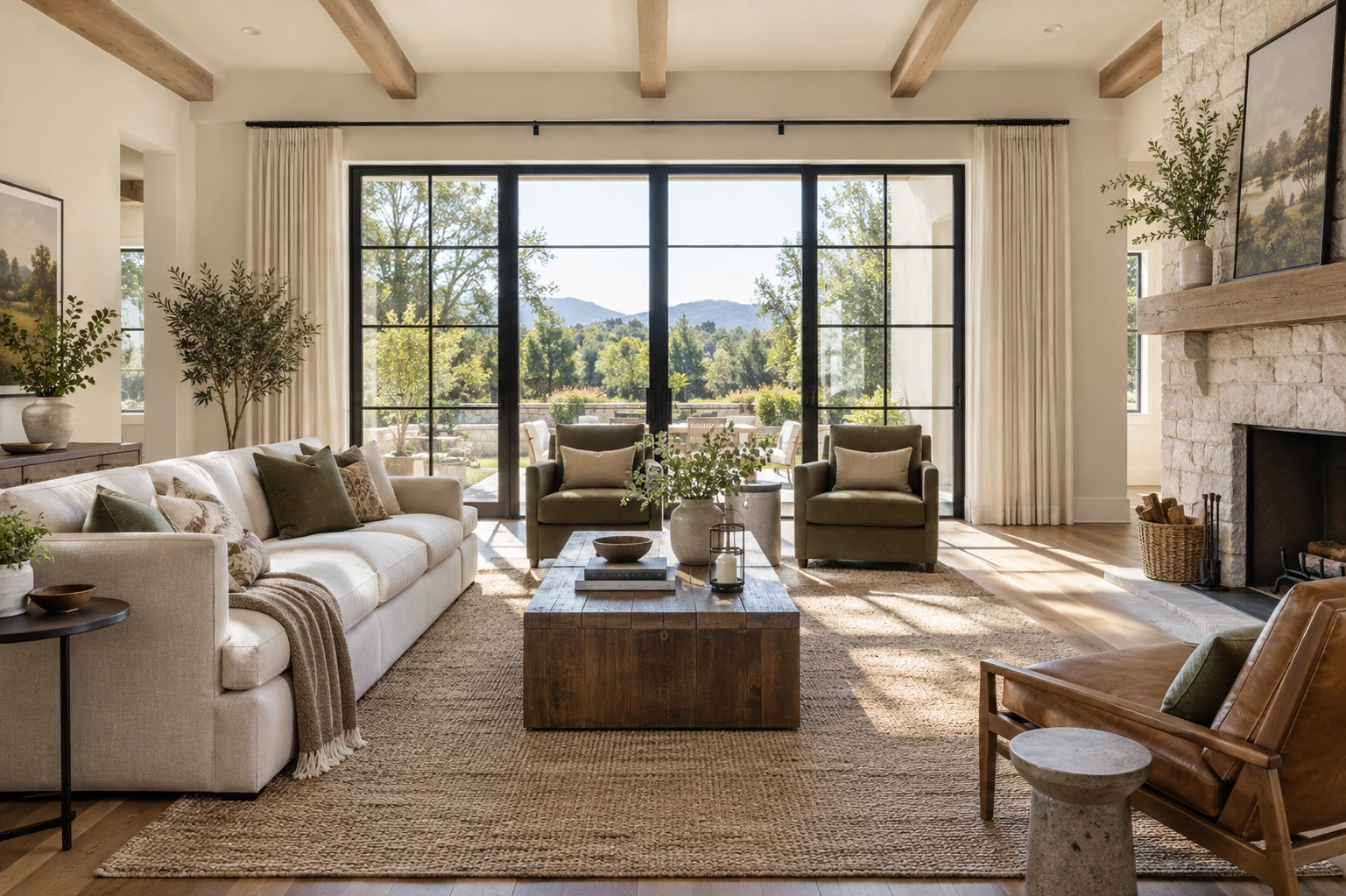
Confirm the address or property identifier and compare the included spaces with the agreed scope. Note missing rooms, unexpected exclusions or confusing starting points. A tour should match the actual listing and the booked coverage; it does not need to include every cupboard or utility space unless those were part of the plan.
Navigate through the tour without prior knowledge
Try moving from the main living area to bedrooms and any other included levels. Look for points where orientation becomes unclear. Test the shared experience on a phone as well as a larger screen. Describe an issue by room and viewpoint so the production team can locate it without guessing from a general comment.
Inspect privacy, presentation and labels
Check mirrors, visible papers, screens and people accidentally appearing in reflections. Review any room names or property text. Also look for items that materially changed between capture and the planned launch. Ask which corrections are possible and whether any issue would require a new capture rather than assuming all changes are simple edits.
Example: report a useful revision note
Instead of writing 'the bedroom is wrong,' an illustrative note might say that the second bedroom's doorway view shows a visible document on the desk. Identify the view and the concern, and attach an appropriate reference if requested. Specific feedback reduces uncertainty about the issue and the desired outcome.
Before sharing the tour
- Verify the property identity and included spaces.
- Navigate every included room and level.
- Check privacy, labels and visual presentation.
- Test the actual share link and consolidate feedback.
Frequently asked questions
Should I review only the opening view?
No. Move through the complete included tour. Problems with privacy or orientation may appear in rooms that are not visible from the starting point.
Can every issue be fixed after capture?
Not necessarily. Some corrections may require different source material or another visit. Prepare thoroughly beforehand and ask AVS about the available remedy for a specific issue.
Platform reference: Zillow’s official 3D Home overview.