The AVS Journal
AI B-Roll Clips: Give Supporting Footage a Clear Job
AI B-roll should support a specific moment in a larger video, such as illustrating a material, room or spoken point. Define that role before production and review the generated clip against its source so supporting footage does not introduce inaccurate property information.

Identify the gap in the main edit
Watch the existing sequence and note where additional imagery would clarify the message. A voiceover about the kitchen may need a relevant detail, while a transition may need a recognizable room view. Avoid commissioning generic motion without knowing where it belongs; attractive inserts can still interrupt the story if they serve no clear purpose.
Choose a source that actually supports the point
Use a sharp image of the relevant feature with permission for adaptation. Label the room and property, and identify any staged or conceptual content. Do not use an unrelated property detail in a way that suggests it belongs to the listing. Keep the original available for accuracy review.
Plan the clip's fit and review
Provide orientation, approximate duration and the surrounding footage or script when available. Check generated geometry, materials and views throughout movement. Confirm how AI content will be identified and how the clip will be delivered. The final insert should fit the edit without pretending to document a camera move that never occurred.
Example: support a kitchen explanation
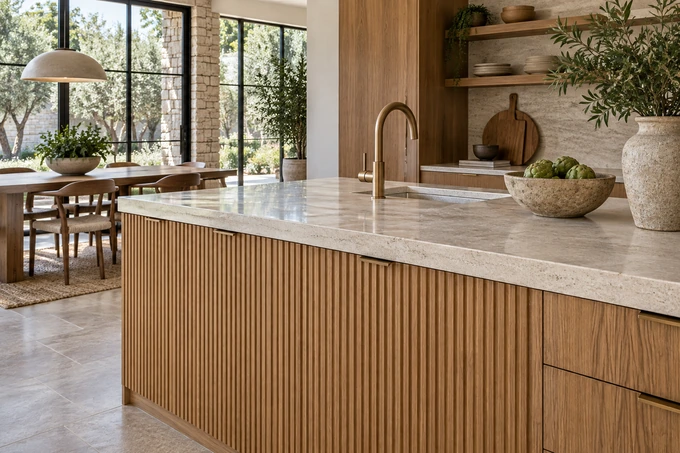
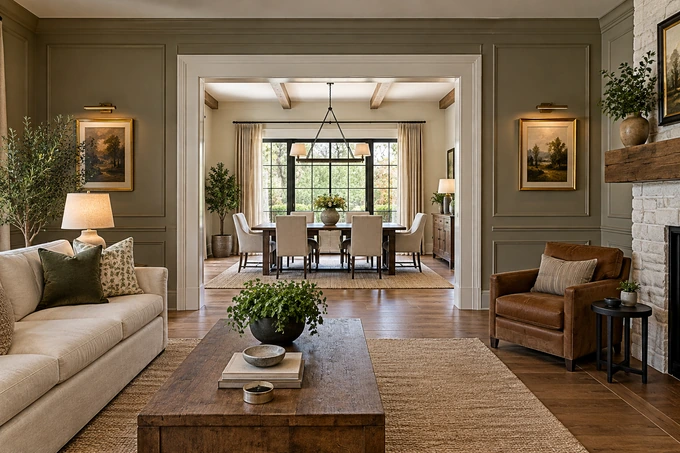
An illustrative agent voiceover about the kitchen's connection to dining may need a wide source-based view, not an isolated faucet close-up. A material-focused sentence could use a verified countertop detail instead. The supporting clip should match the actual point being made.
B-roll brief
- Identify the exact moment and message to support.
- Supply a relevant, permitted source image.
- Specify orientation, duration and surrounding context.
- Review accuracy and appropriate identification before use.
Frequently asked questions
Does B-roll need its own introduction and ending?
Usually it is an insert within another edit. Confirm the deliverable, but do not assume a supporting clip includes the full structure of a standalone reel.
Can any attractive clip fill an empty part of a video?
It should support the subject and remain accurate. Unrelated imagery may confuse viewers or imply a property feature that is not actually present.