The AVS Journal
Aerial Video and Interior Video: Making the Transition Natural
An aerial-to-interior transition works when viewers can understand how the exterior they just saw relates to the room that follows. You do not need a continuous camera flight; a clear sequence of connected views can explain the property more effectively.
Choose a recognizable point of connection
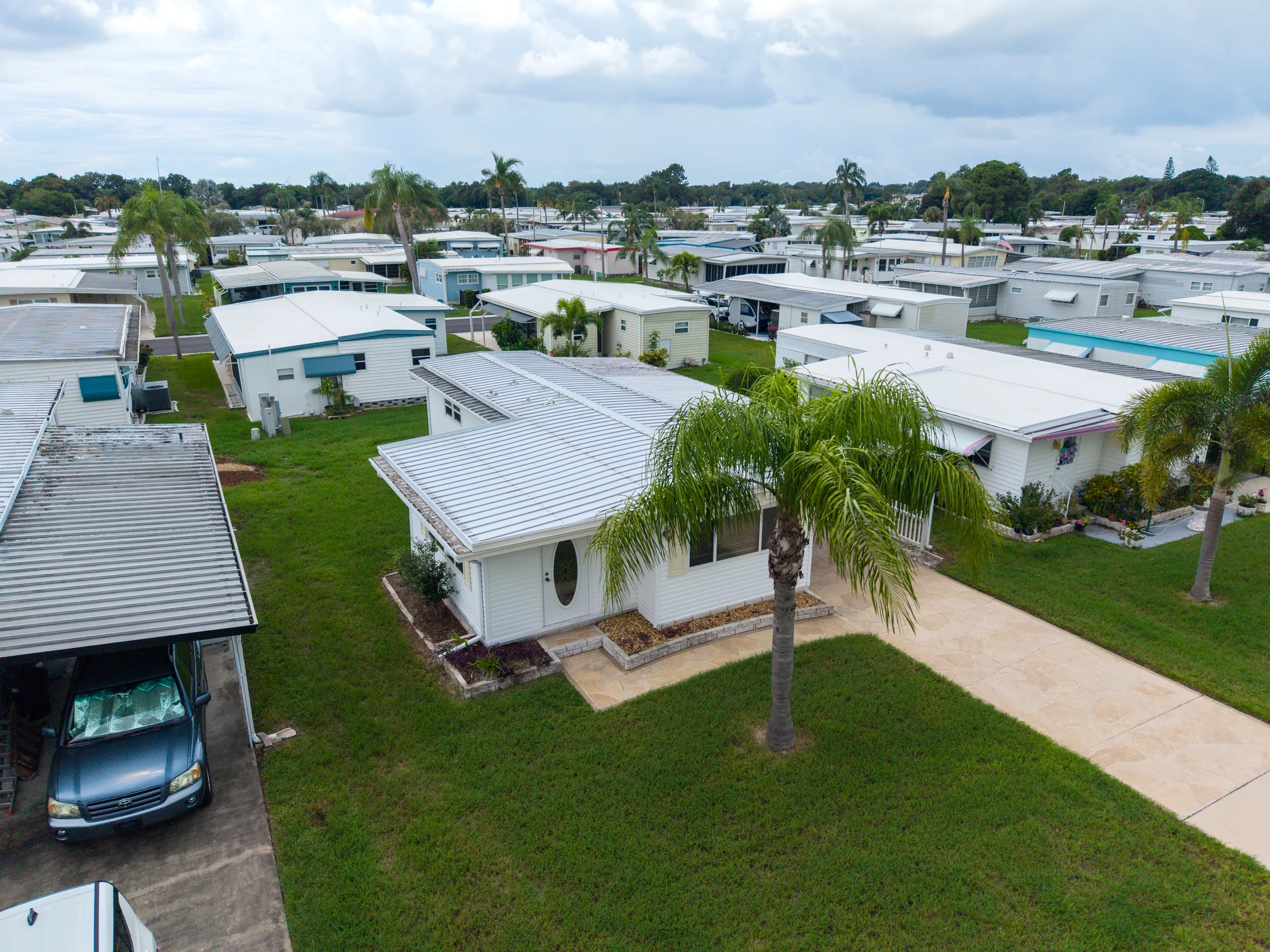
An entrance, terrace doorway or distinctive window can connect the outside and inside. Identify that feature in the shot plan and capture complementary views when feasible. A random aerial followed by an unrelated bedroom can feel disjointed because viewers have no reference for where they are in the home.
Keep the visual conditions coherent
Large changes in lighting, furniture arrangement or weather can make the transition feel like a different property. Some variation is natural, but review the combination deliberately. If exterior and interior footage will be captured on different days, maintain preparation and tell the editor which rooms or features connect physically.
Use an intermediate shot when needed
A ground-level exterior or doorway view can bridge the change in scale between a wide aerial and a close interior. This is especially useful when trees or rooflines obscure the entrance from above. Do not imply that two spaces are directly connected if the layout includes a hallway or separate access between them.
Example: pool terrace to living room
An illustrative edit might show the pool behind the house, move to a ground view of the terrace doors and then show the living room facing those doors. Three distinct shots can make the connection understandable without suggesting an impossible path through walls or glass.
Transition review
- Identify the exterior feature that connects the shots.
- Confirm that the physical relationship is accurate.
- Check preparation and lighting continuity.
- Add an intermediate view when the change in scale is confusing.
Frequently asked questions
Does the transition need a special effect?
No. A straightforward cut can work when the views connect clearly. Effects should support orientation, not distract from or invent the property's layout.
Can separately captured footage be combined?
Often, if the quality, permissions and visual continuity are suitable. Confirm the editing scope and provide clear information about the relationships between spaces.