
The AVS Journal
Making a Floor Plan Readable on Mobile
A mobile-friendly floor plan needs readable labels, strong contrast and a useful way to inspect detail. Start with a clean export and test the actual page on a phone; shrinking a desktop drawing is not always enough.
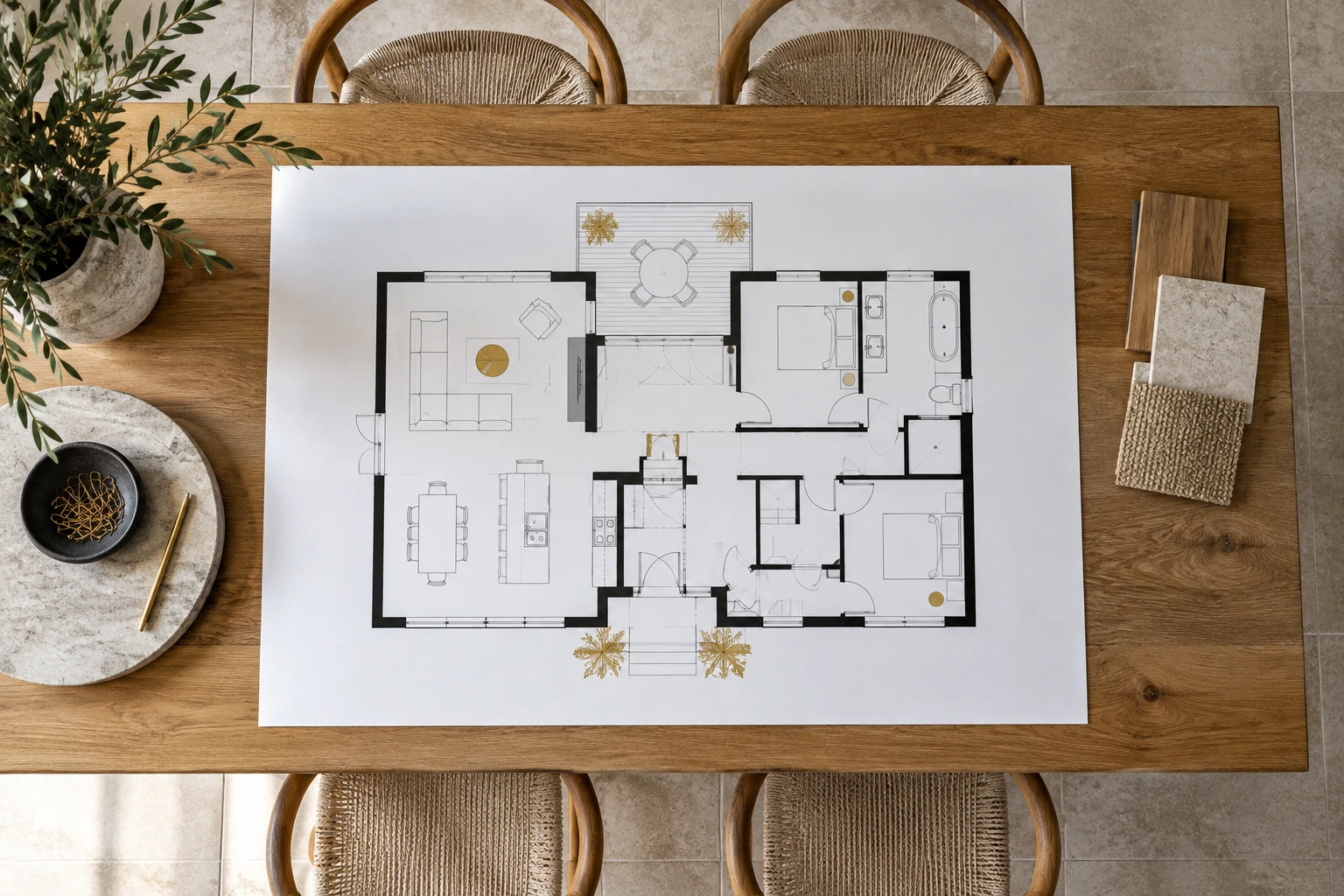
Reduce visual competition
Use clear room names and avoid unnecessary decorative elements around the plan. If a brochure design adds a large logo, patterned background or multiple promotional badges, the drawing may become too small to read. Give the layout enough space and preserve the relative proportions of the original file.
Choose an overview and a detail path
A simple property may fit in one readable image, while a multi-level home may need separate floor views or a larger downloadable version. Confirm that users can open or inspect the plan without losing the page entirely. Any added interaction should work with ordinary touch input and keep the file accessible.
Check the final image after upload
Compression and automatic resizing can change how fine lines and small text appear. Open the published version rather than judging only the source file. Look for clipped edges, fuzzy labels and excessive blank margins. Preserve the original export so you can create a more suitable size instead of enlarging a small screenshot.
Example: separate two crowded levels
An illustrative two-floor sheet may be legible on a laptop but tiny on a phone. Keep an overview for orientation and provide each floor as a separate readable image. This retains the relationship between levels while giving room labels enough space to be useful.
Mobile readability check
- Use a clean, proportionate source file.
- Keep labels and lines high in contrast.
- Provide separate views or larger detail where needed.
- Test the actual uploaded plan on a phone.
Frequently asked questions
Should I enlarge a small screenshot?
That usually cannot restore missing detail. Request or use the original high-quality export and prepare a suitable version from that source.
Is a large file automatically easier to read?
No. Layout, contrast and display behavior also matter. A high-resolution plan can still be unusable if the page shows it too small or crops its edges.