The AVS Journal
Using a Floor Plan in a Property Brochure
A floor plan in a property brochure should remain readable at the final printed or digital size. Give it a clear role in explaining the layout, and coordinate labels, photographs and captions so readers can connect the drawing to the home.
Choose the page layout around the plan
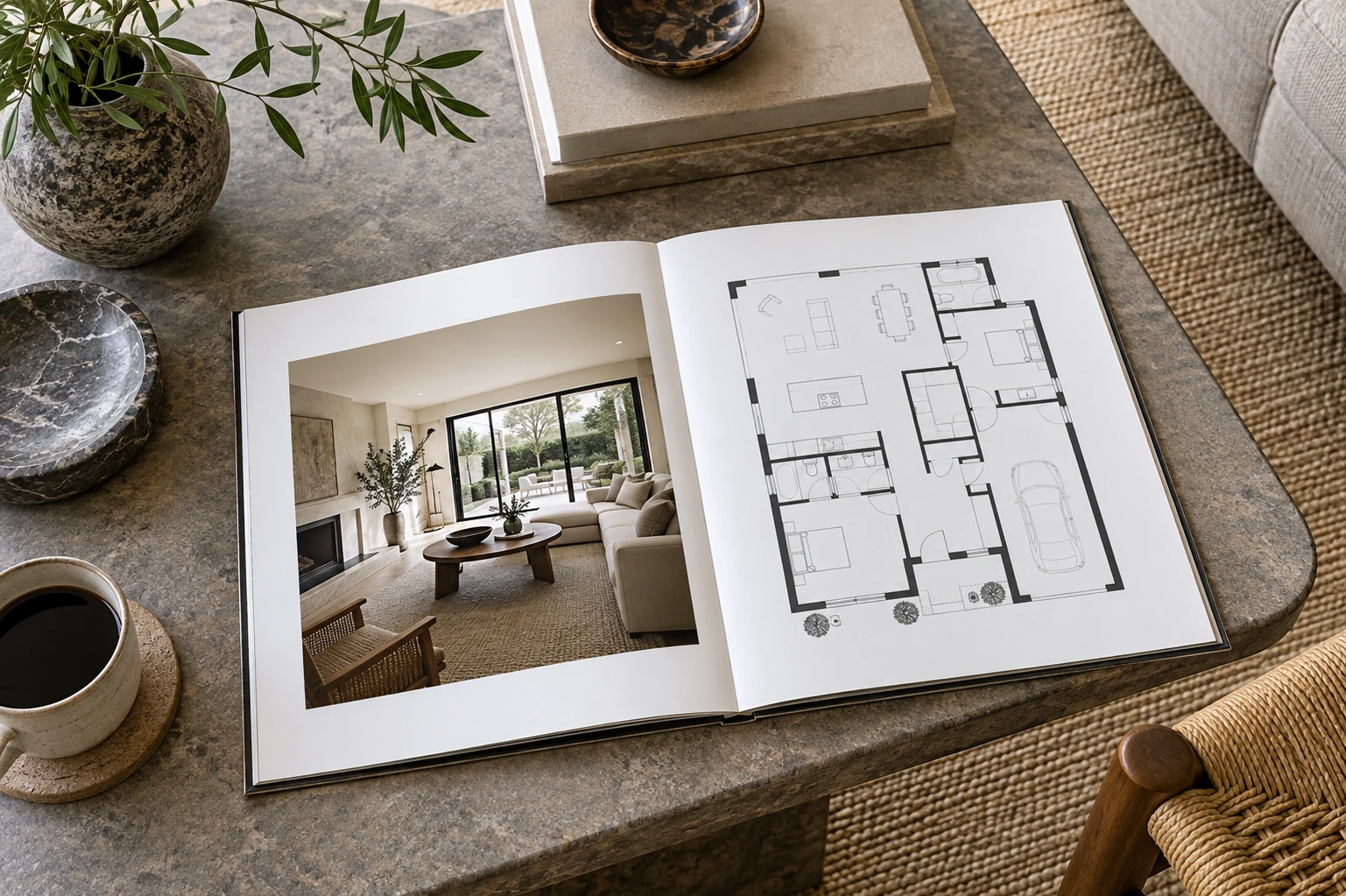
Start with the drawing's proportions rather than forcing it into a decorative box. Leave sufficient room for room names and important notes. A multi-level property may need more than one panel. If the plan becomes too small, simplify the surrounding page or provide a separate larger version rather than distorting the drawing.
Connect the plan to selected photographs
Use a small number of images that clarify important spaces or relationships. Keep room names consistent and avoid numbering schemes that differ between the plan and captions. A brochure should help readers move between overview and appearance without making them decode a complicated key.
Proof the actual output
Print a sample at its intended size when the brochure will be physical. For digital use, inspect the exported PDF or image on a phone and computer. Check fine lines, small text and any file compression. Confirm that measurements, classifications and required context remain intact after the design has been cropped or resized.
Example: a two-page property sheet
An illustrative layout might use the first page for the main exterior and living-area photographs, then dedicate the second to a readable plan and concise verified property details. This can communicate more clearly than fitting the entire plan into a small corner beneath several decorative images.
Brochure proof checklist
- Preserve the plan's proportions.
- Keep labels and notes readable at final size.
- Match room names to photograph captions.
- Review the exported or printed version before distribution.
Frequently asked questions
Should the floor plan fill an entire page?
It should have enough space to be useful. A compact layout may need less room, while a complex multi-level plan may justify a full page or separate views.
Can a QR code replace the printed plan?
It can provide access to additional detail, but readers should still understand what the brochure offers. Test the destination and avoid making essential context depend on an unexplained code.